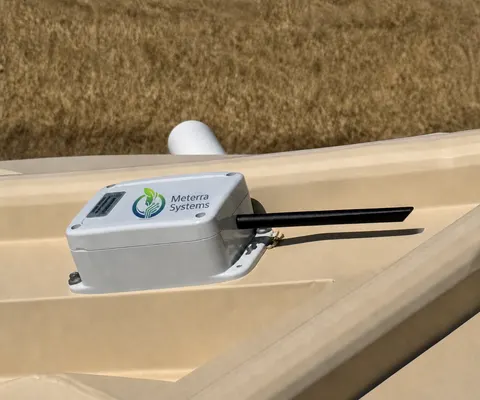
Product sheet
Electric Fence Monitor: what it is and how it fits
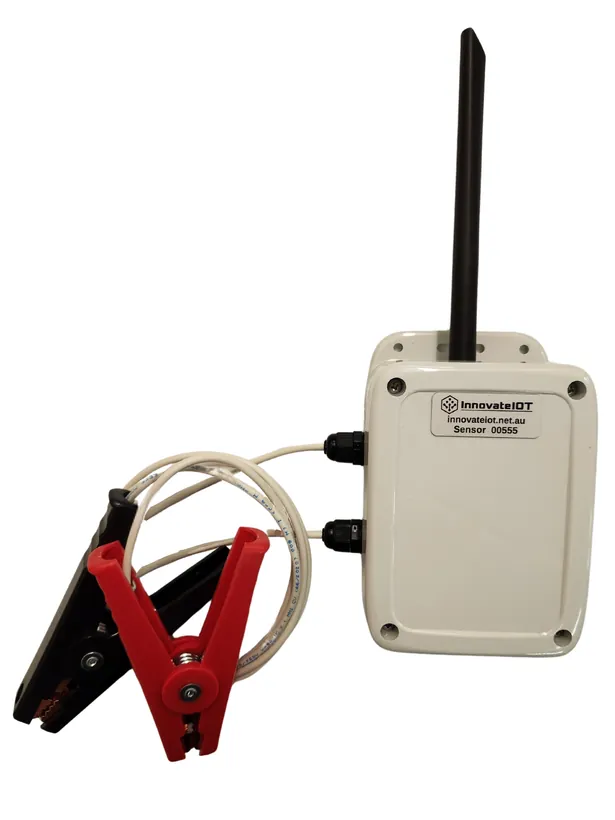
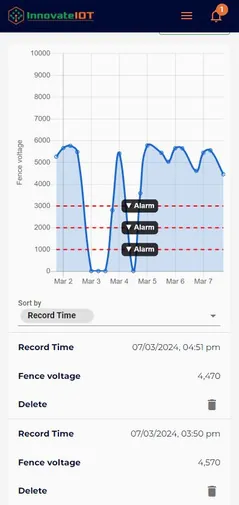
A small cellular box with two leads: the red clip goes on the live wire, the black to earth, and from then on the fence voltage is read every hour and charted in the app. Set an alarm for low or no voltage and the fence tells you it has failed before the stock do.
Guide revised October 2026. Questions or a step that does not match your unit? Call (385) 534-8200.
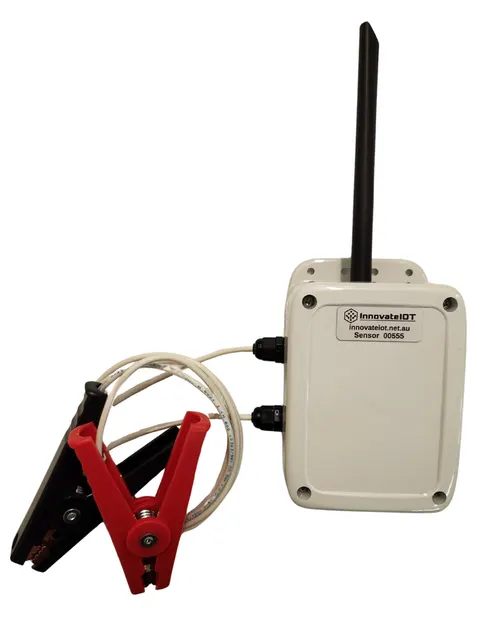
- Measures
- Fence voltage, read every 60 minutes; more frequent readings on request
- Alerts
- Custom voltage alerts: high voltage, low voltage, no voltage
- Fits
- Any energizer and any fence type; two clip leads
- Battery
- Multi-year, ultra-low power
- Users
- Multiple user access on the one account
What it includes
Fit it to the fence
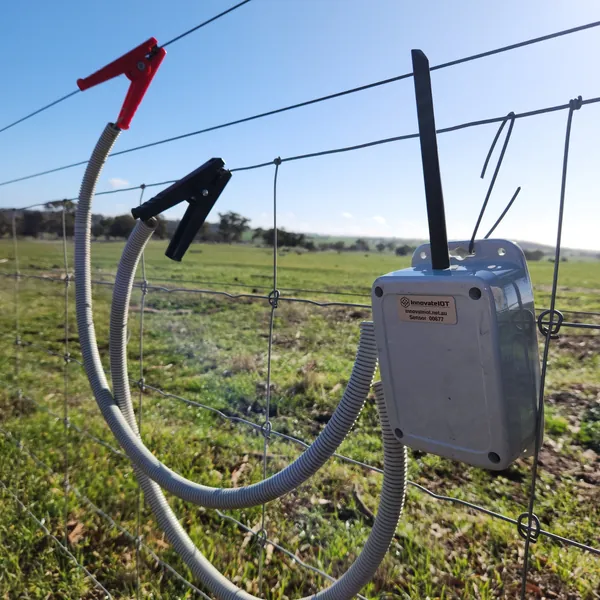
- Hang or fix the box on a post or the fence itself, antenna upright.
- Clip the red lead to the live wire and the black lead to a good earth (the energizer’s earth stake, or a wire that runs to it).
- Open the cover and hold the button for 5 seconds until the light flashes, then close it up. The first reading can take up to 10 minutes.
- In the app, open the device, tap the pencil icon, then the alarm bell tab, and set a below alarm at the voltage your fence should never drop under. A no-voltage alarm catches a tripped energizer; a low alarm catches vegetation load and failing insulators while they are still maintenance.
The hardware this guide covers
Every device reports to the same Meterra dashboard and app.
Talk to us
Stuck on a step, or not sure which sensor fits your site? Call or text and a person who has installed these will answer.
Related Meterra pages
- Electric Fence Monitor: the product page, with posted pricing
- Electric fence fault finding: reading the voltage history to find where the fence is losing power
- Cattle ranch monitoring: fences, water, and weather on one dashboard
Warranty, returns and shipping for every Meterra device are on the Shipping & Returns page.