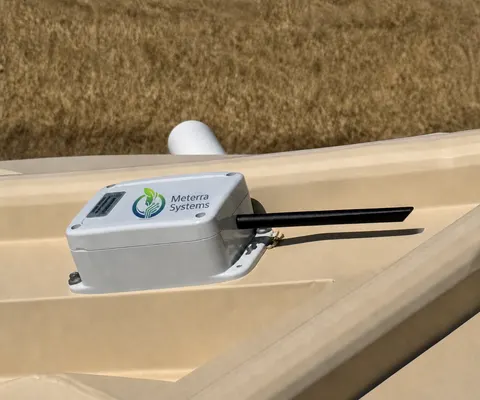
Power Monitor: what it is and how it sets up
Plug the monitor into the outlet, plug the equipment into the monitor, and from then on you know when the pump, freezer, or pressure system is drawing power and when it stopped. Run-time totals every hour, and an alert the moment the power goes on or off.
Guide revised October 2026. Questions or a step that does not match your unit? Call (385) 534-8200.
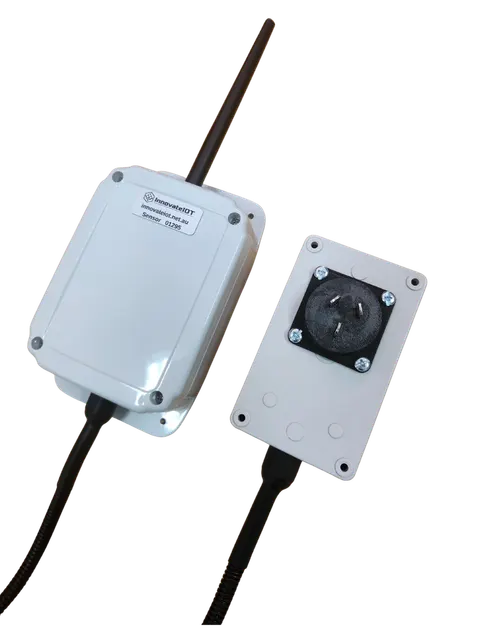
- Records
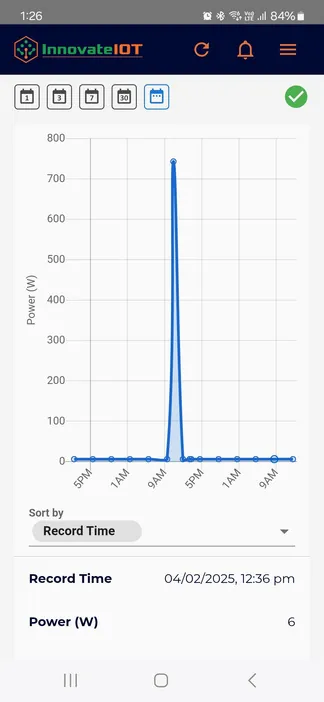
- Power-on run-time totals, read every 60 minutes; more frequent on request
- Alerts
- Power on and power off
- Setup
- Plug and play: outlet, monitor, equipment
- Battery
- 3+ years for the communications unit
- Users
- Multiple accounts and users
- Options
- Custom monitoring for hard-wired equipment, with a current clamp
What it includes
Set it up
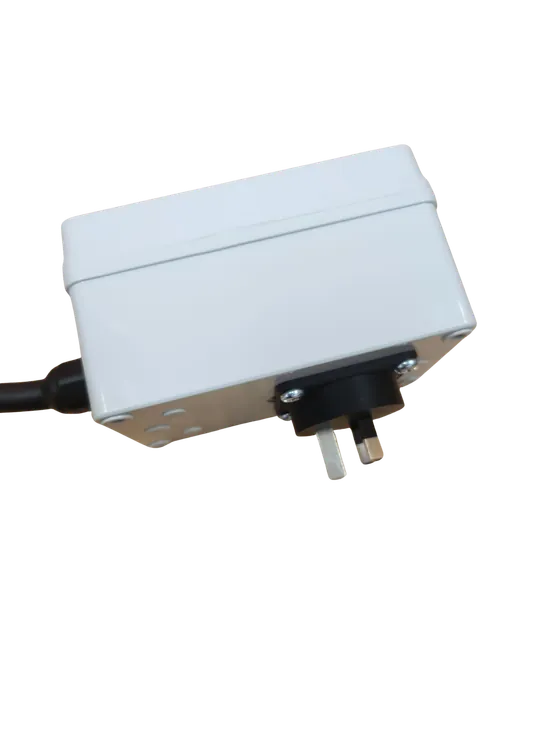
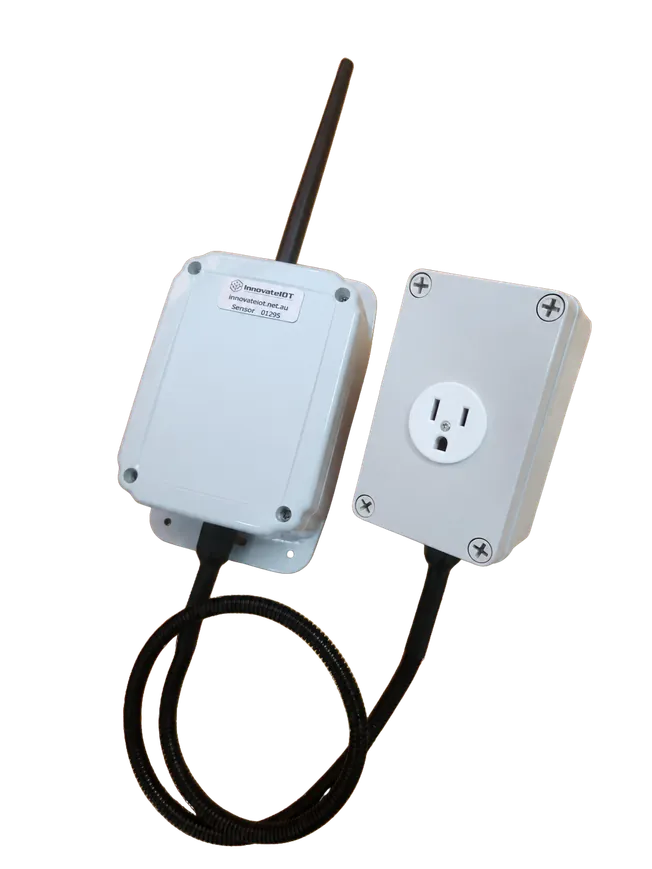
- Plug the monitor into the outlet.
- Plug the equipment into the monitor.
- Attach the antenna to the communications unit hand tight, open the cover, hold the button for 5 seconds until the light flashes, and close it up. The first reading can take up to 10 minutes.
- In the app, open the device and set a power off alert, so a tripped breaker or a dead outlet reaches your phone the minute it happens.
Hard-wired equipment
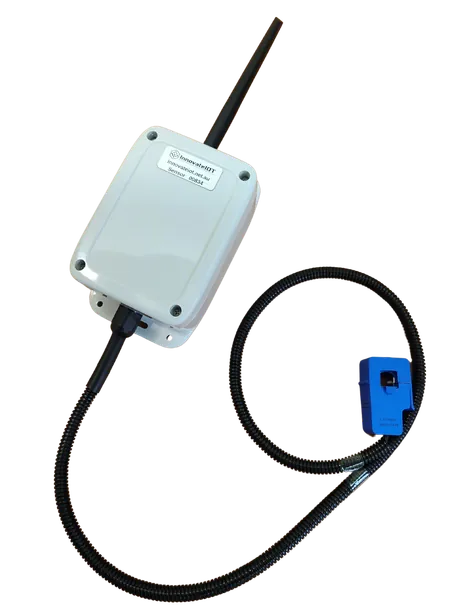
Pumps and motors that are wired in rather than plugged in use a current clamp around the supply cable instead of the outlet box. Tell us what the equipment is and how it is fed, and we will configure the right version.
The hardware this guide covers
Every device reports to the same Meterra dashboard and app.
Stuck on a step, or not sure which sensor fits your site? Call or text and a person who has installed these will answer.
Related Meterra pages
- Power Monitor: the product page; US pricing on request
- Know when the well pump stops: the alert that catches a tripped breaker before the tank runs dry
- Pump Controller: the controller runs the pump; the monitor proves it is drawing current
Warranty, returns and shipping for every Meterra device are on the Shipping & Returns page.