Installation guide
Using the Soil Analyzer
A handheld unit with two probes that reads pH, moisture, temperature, and EC on the spot and sends the numbers to your phone over Bluetooth. Log each reading with its GPS location, walk the field, and compare the same spots next season. Here is what is in the case, how to take a reading, and how to keep the pH probe accurate.
Guide revised October 2026. Questions or a step that does not match your unit? Call (385) 534-8200.
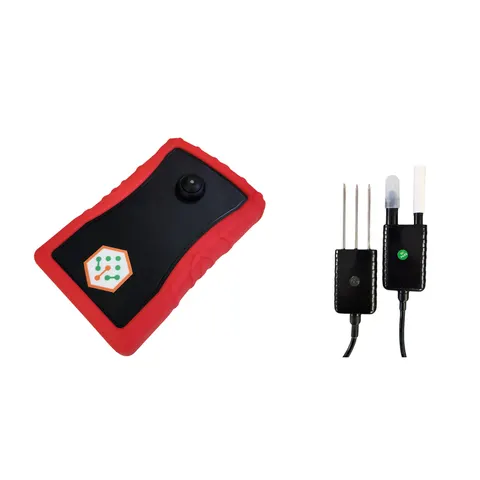
- Reads
- Soil pH, moisture, temperature, and electrical conductivity (EC)
- Moisture
- 0 to 100% V/V, resolution 0.01%, accuracy within 3% up to 53% and within 5% above; FDR method with temperature and EC compensation
- Temperature
- -40 to 185°F (-40 to 85°C), resolution 0.01°C, accuracy better than 0.3°C between 14 and 122°F; RTD method
- EC
- 0 to 20,000 µS/cm, resolution 1 µS/cm, accuracy 2% of full scale, temperature compensated
- Connects
- Bluetooth to the app on your phone; no cellular plan
- Power and cables
- Rechargeable battery, USB-C; 8 ft probe cables
What is in the case
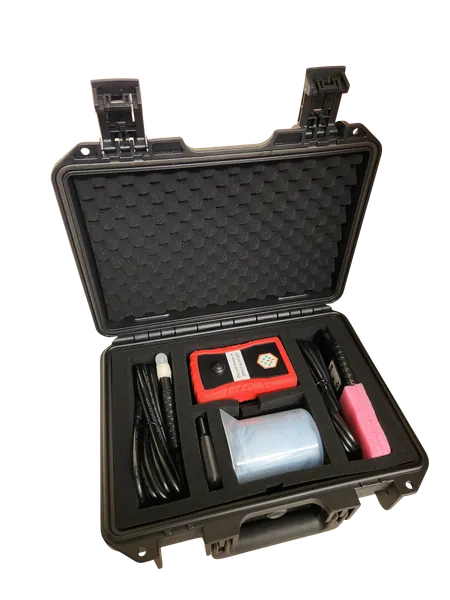
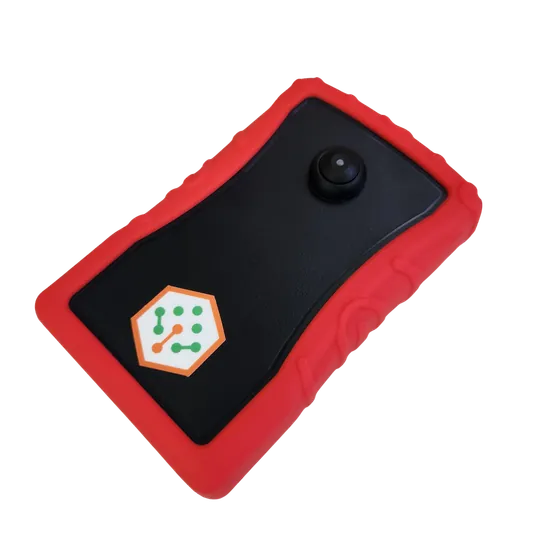
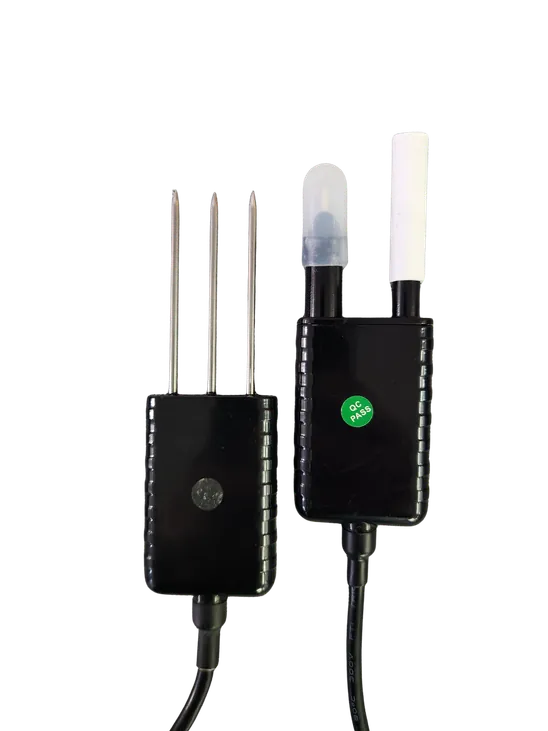
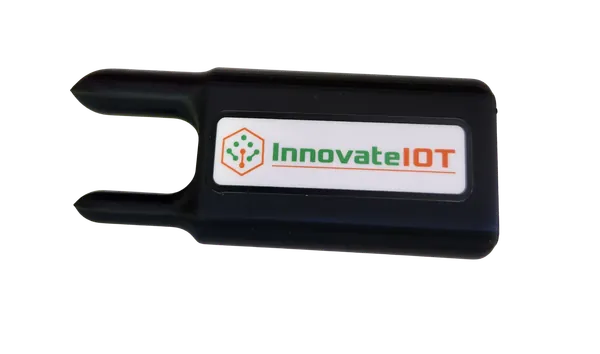
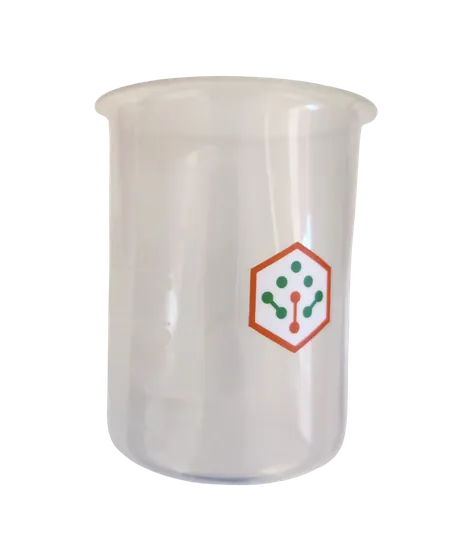
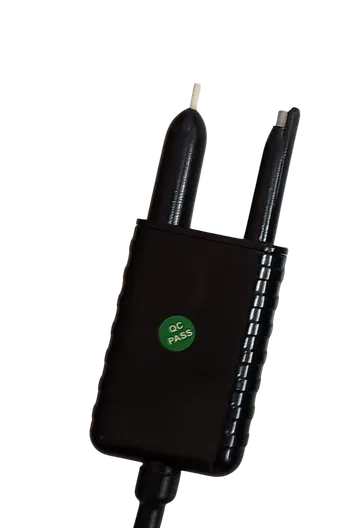
- Soil Analyzer unit
- Temperature, moisture, and EC probe
- pH probe
- Pre-soil rock disperser
- Beaker for slurry testing
- Charging cable (USB-C)
Get started
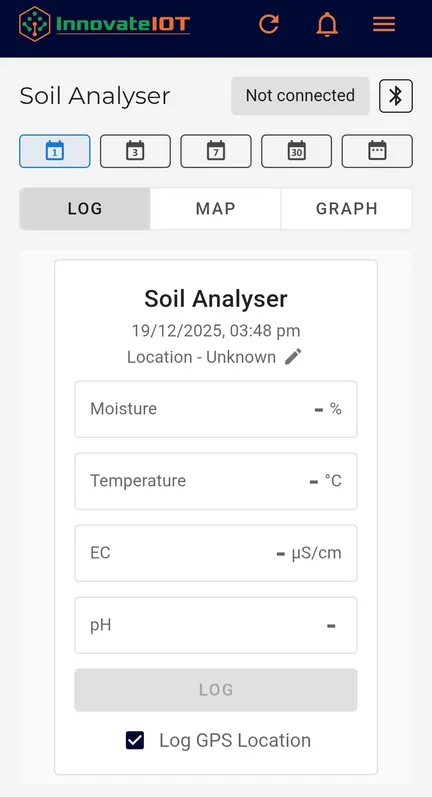
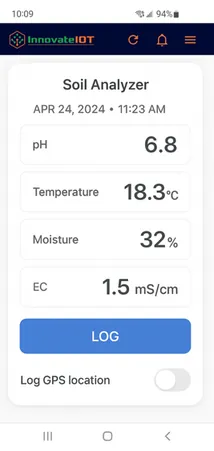
- Plug the probes into any USB port on the unit to begin.
- Open the app, tap the menu (three lines, top right), and choose Soil Analyser.
- Tap the Bluetooth icon and follow the steps to connect the unit.
- Set the field or location name, then take your reading (below).
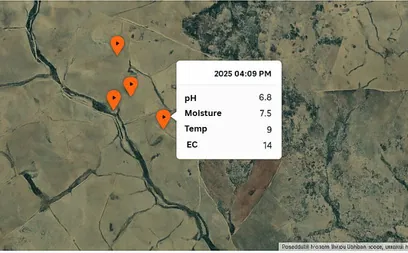
- Press Log to store the data. Turn on Log GPS Location to store where the reading was taken, so the map shows every spot you have tested.
Take a reading
In the ground
- Dig a trench or hole to the depth you want to test.
- Use the rock disperser to move rocks and hard objects out of the way. The probe electrode is fragile, so push the probes in carefully, avoiding anything hard.
- Insert the probes in undisturbed soil at the side of the hole.
- If the soil is dry, pour or spray clean water onto the spot first so it is moist. Dry soil gives poor readings.
- Leave the probes in for 1 to 2 minutes for the most accurate reading, then log it.
In a slurry
- Collect soil in the beaker provided.
- Add distilled water and stir to make a slurry.
- Insert the probes for 1 to 2 minutes, then log the reading.
pH probe care
- Between sites: wash the probes with clean water between samples so nothing from the last spot is left on them. While you are doing several tests, keep the reference tip wet.
- After 7 days unused: the probes may be dry. Stand the probe in pure or distilled water for 24 hours before use.
- Every 3 to 6 months: check the probe electrode for corrosion. If there is any, polish it with fine, high-grade sandpaper, or stand it in 5% hydrochloric acid for a few minutes, then wash it in water. Never use sandpaper or acid on the soft reference tip.
- Short-term storage: use the probe covers so the tips are not damaged.
- Long-term storage: let the probe dry out before storing it. After long storage, soak the probes for 24 hours before use.
The hardware this guide covers
Every device reports to the same Meterra dashboard and app.
Talk to us
Stuck on a step, or not sure which sensor fits your site? Call or text and a person who has installed these will answer.
Related Meterra pages
- Soil Analyzer: the product page, with posted pricing
- Soil Moisture Probes: the buried probes that report from one spot around the clock
- Soil moisture and irrigation decisions: what the numbers mean for when to water
Warranty, returns and shipping for every Meterra device are on the Shipping & Returns page.