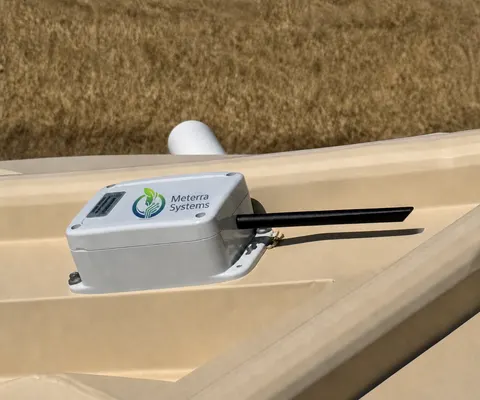
Trough Level Monitor: what it is and how it mounts
A sealed pressure sensor sits in the trough on a heavy-duty cable, and a small box with an internal antenna mounts on the trough or the nearest post. It reports the water level every hour and alarms when a trough runs low or empty. Built to live around livestock.
Guide revised October 2026. Questions or a step that does not match your unit? Call (385) 534-8200.
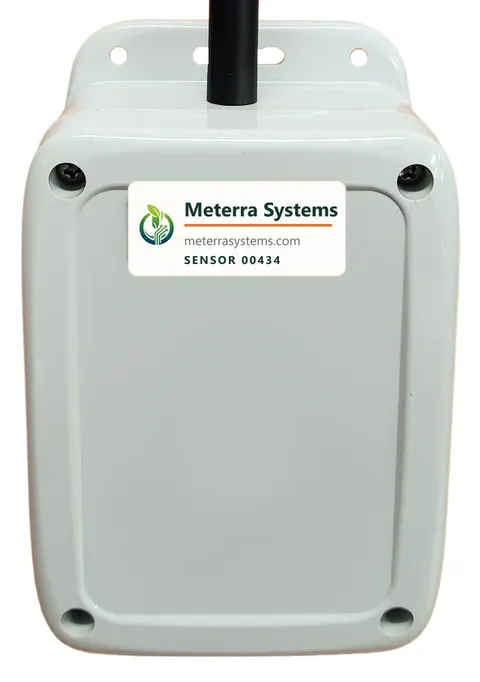
- Sensing
- Pressure sensor in the water. It measures the weight of the water above it.
- Cable
- About 9 ft, in heavy-duty conduit
- Mounting
- Box on top of the trough or on a nearby post; the sensor sits in the trough
- Reporting
- A reading every 60 minutes; more frequent readings on request
- Battery
- 2+ years
- Alerts and users
- Low and empty alarms to your phone; multiple account users
What it includes
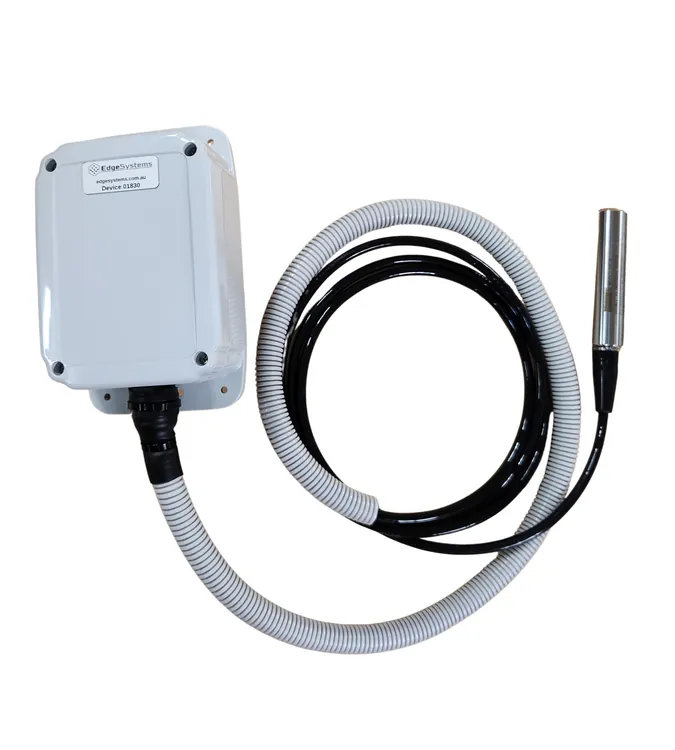
- Pressure transducer sensor on the end of the cable. It reads the depth of water above it, so it works in any trough shape and keeps reading under a skin of ice.
- Heavy-duty conduit over the cable, so stock rubbing on it or stepping near it does not wear it through.
- Internal antenna, with nothing sticking out for an animal to snap off.
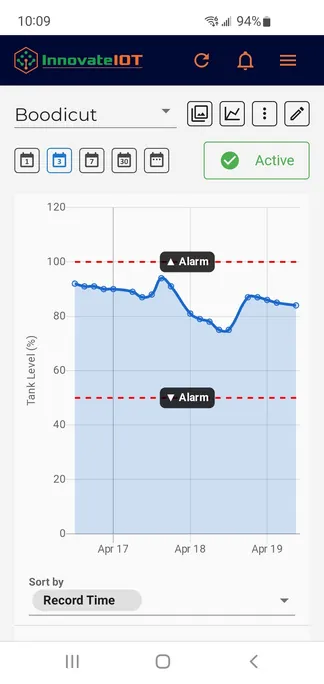
- Level alarms to your phone, and multiple users on the same account.
Where it mounts
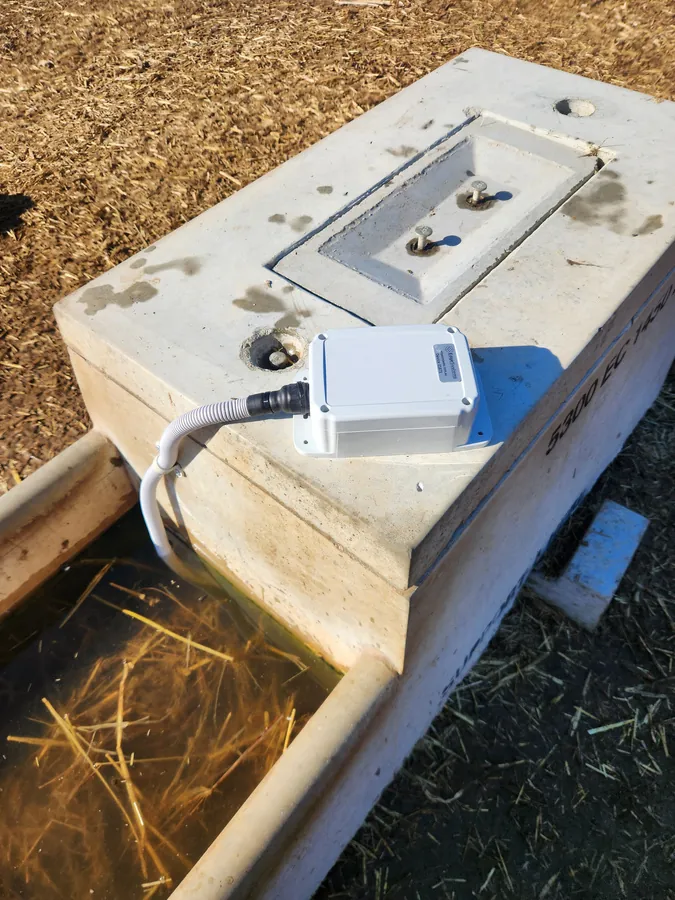
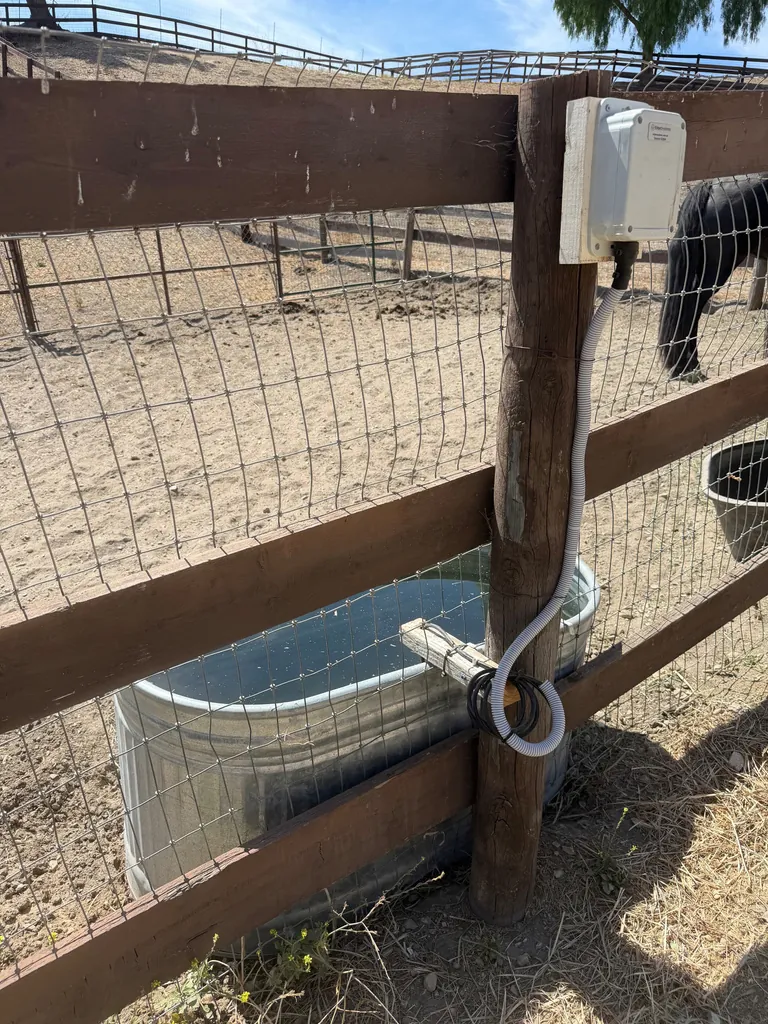
Mount the box on the trough rim or on the nearest post, high enough to stay out of the mud, and run the conduit so the sensor rests on the floor of the trough. The 9 ft cable reaches from a post to the floor of a standard trough with slack to spare.
Activate it
- Open the first box and hold the button down for 5 seconds, or until the light flashes rapidly.
- The device boots for a minute or two, then connects to the cellular network and sends its first reading. That first reading can take up to 10 minutes to appear in the app.
- Open the device in the app, tap the pencil icon, and enter the trough’s depth so the reading shows as a level.
- Add a low-level alarm the same way as on the other level sensors: pencil icon, alarm bell tab, below a level %, save. See the alarm steps in the tank sensor guide.
The hardware this guide covers
Every device reports to the same Meterra dashboard and app.
Stuck on a step, or not sure which sensor fits your site? Call or text and a person who has installed these will answer.
Related Meterra pages
- Trough Level Monitor: the product page, with posted pricing and the order button
- Livestock water monitoring: which sensor suits a tank, a trough, or a dam
- Stuck float valves: the failure the trough monitor is built to catch
- Stock water in winter: keeping an eye on troughs when they ice over
Warranty, returns and shipping for every Meterra device are on the Shipping & Returns page.